
Davidson County Jail Mugshots Search
Davidson County records split across the police, the jail, and the court clerk, so the best search starts with the arresting agency and then follows the custody trail. Metro Nashville Police keeps arrest reports and mugshots. The sheriff office handles Davidson County jail custody, court security, and warrant service. The Criminal Court Clerk keeps Davidson County filings and dispositions. If you need a booking photo or a case match, work the offices in that order and use state tools only when the Davidson County file stops giving you answers.
Quick Facts
Davidson County Jail Mugshots Basics
The Davidson County system splits three ways. Metro Nashville Police keeps arrest reports and mugshots. The sheriff office handles Davidson County jail custody, court security, and civil process. The Criminal Court Clerk handles Davidson County filings and dispositions. That split is the key to the search.
The clerk keeps General Sessions records from January 11, 2000, state trial dispositions from July 11, 2000, and legacy records from 1980 forward. Start with the agency, then follow the Davidson County case trail from arrest to court. Metro Nashville Police at nashville.gov/police handles the arrest side, and the sheriff office at davidsontn.gov/sheriff handles custody.
How to Search Davidson County Jail Mugshots
Begin with the name, date, and agency. If you know the arresting officer or the police district, use that too. Metro Nashville Police records are the best fit for Davidson County arrest reports and mugshots, and the Records Division asks for Tennessee residency proof and a valid photo ID. Keep the request short and specific.
The jail side is different. The sheriff office manages Davidson County custody and can help with jail-related questions, but it is not the source for Metro arrest photos. If your goal is a booking trail, match the person to the police arrest first, then use the Davidson County court file to confirm the case. The Office of Open Records Counsel at comptroller.tn.gov/office-functions/open-records-counsel is the backup if a request stalls.
The TDOC homepage helps when a person has moved beyond Davidson County custody and into state supervision or prison records.

That state page is not a county mugshot list, but it does help you sort who is in TDOC custody and who is still tied to local jail records. When a record trail goes cold in Nashville, the state system can show whether the person is now on parole, probation, or in a prison facility.
Davidson County Metro Police Records
Metro Nashville Police is the office most likely to hold the arrest photo you want. It maintains arrest reports, mugshots, arrest affidavits, incident reports, and accident reports. Those records belong to the police department, not the sheriff. A mugshot from a police booking may never show up in a Davidson County jail search if the request goes to the wrong desk.
Use the Metro records route when the arrest happened in the city and the case started with police. The Records Division asks for proof of Tennessee residency and a valid photo ID. Fees may apply for copies. If you need the image itself, Metro is the better starting point. The police file often shows the original booking event, while the Davidson County court file confirms the paper trail.
| Metro Nashville Police | Metro Nashville Police Department 600 Murfreesboro Pike, Nashville, TN 37210 Phone: (615) 862-8600 |
|---|---|
| Criminal Court Clerk | Criminal Court Clerk 506 Second Ave. N., Nashville, TN 37201 |
| TDOC FOIL | State inmate locator |
Note: The strongest search uses police, jail, and court files in order.
Davidson County Record Checklist
These record types are the quickest way to match a booking, a mugshot, or a custody file.
- Davidson County arrest report, mugshot, booking photo, booking record, inmate record, custody record, detention record, jail record, case file, police file
- Davidson County incident report, affidavit, arrest file, booking file, custody file, detention file, inmate file, court file, release note, status note
- Davidson County Records Division, photo ID, Tennessee residency, request form, mugshot copy, booking copy, arrest copy, custody copy, detention copy, case copy
- Davidson County Metro arrest, police booking, city custody, jail custody, detention status, inmate status, mugshot search, arrest search, booking search, records search
- Davidson County sheriff custody, jail management, court security, warrant service, civil process, custody file, booking file, inmate file, arrest file, detention file
- Davidson County clerk filing, disposition, case number, filing date, court record, mugshot match, arrest match, booking match, custody match, detention match
- Davidson County TDOC FOIL, inmate status, prison custody, mugshot thumbnail, sentence data, supervision status, arrest history, booking history, custody history, detention history
That checklist keeps the Davidson County police file, the jail file, and the court file in the right order. It also keeps the booking record, mugshot file, inmate record, arrest record, custody record, detention record, jail record, booking log, release note, status check, booking note, and case file in view.
Davidson County Jail Mugshots and Records
The sheriff office is the Davidson County jail and custody side of the local system. It handles jail management, court security, warrant service, civil process, and 287(g) work. It can help you understand custody status, but it does not own the Metro arrest reports or mugshots from city arrests.
The court side is just as useful. The Criminal Court Clerk keeps Davidson County case filings, dispositions, and legacy records. If the mugshot is tied to a known case, the clerk can help confirm the court number, filing date, and result. The TDOC page at tn.gov/correction/agency-services/foil.html is the next stop when the person is no longer in local custody.
Davidson County Public Records Access
The Davidson County local records sit under the Tennessee Public Records Act. If the record exists and no exemption applies, you can ask for it. The statute at T.C.A. § 10-7-503 sets that standard, and the code also allows lawful request handling under T.C.A. § 10-7-505 and reasonable copy fees under T.C.A. § 10-7-506.
That precision matters when you ask for a mugshot or a booking record. Say who you want, what date range you mean, and which Davidson County office should hold the record. Good requests save time on both sides. Under T.C.A. § 39-11-118, it is unlawful to charge a fee just to remove a booking photo from a website. The Office of Open Records Counsel at comptroller.tn.gov/office-functions/open-records-counsel is the state contact if a request turns into a dispute.
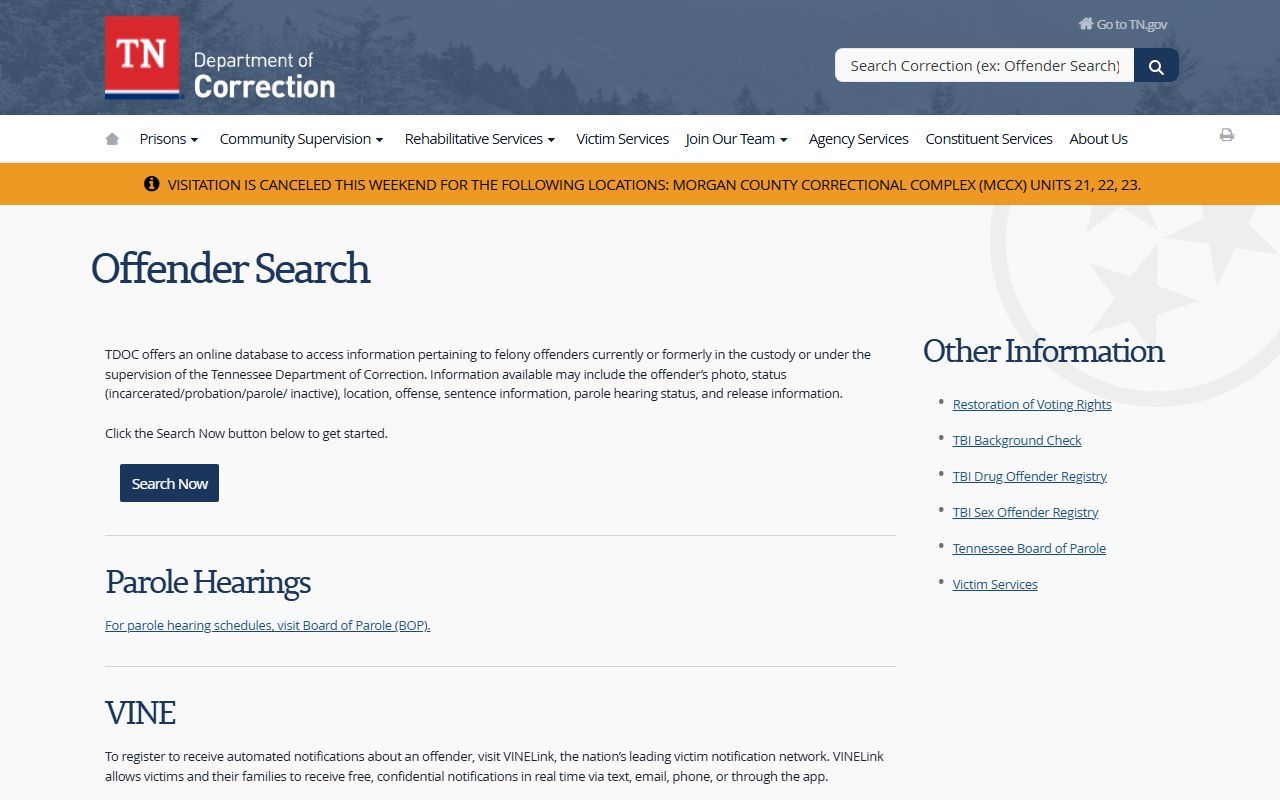
The TDOC FOIL page is useful when a local case has moved into Davidson County state custody. It shows inmate status, location, sentence data, and a mugshot thumbnail.
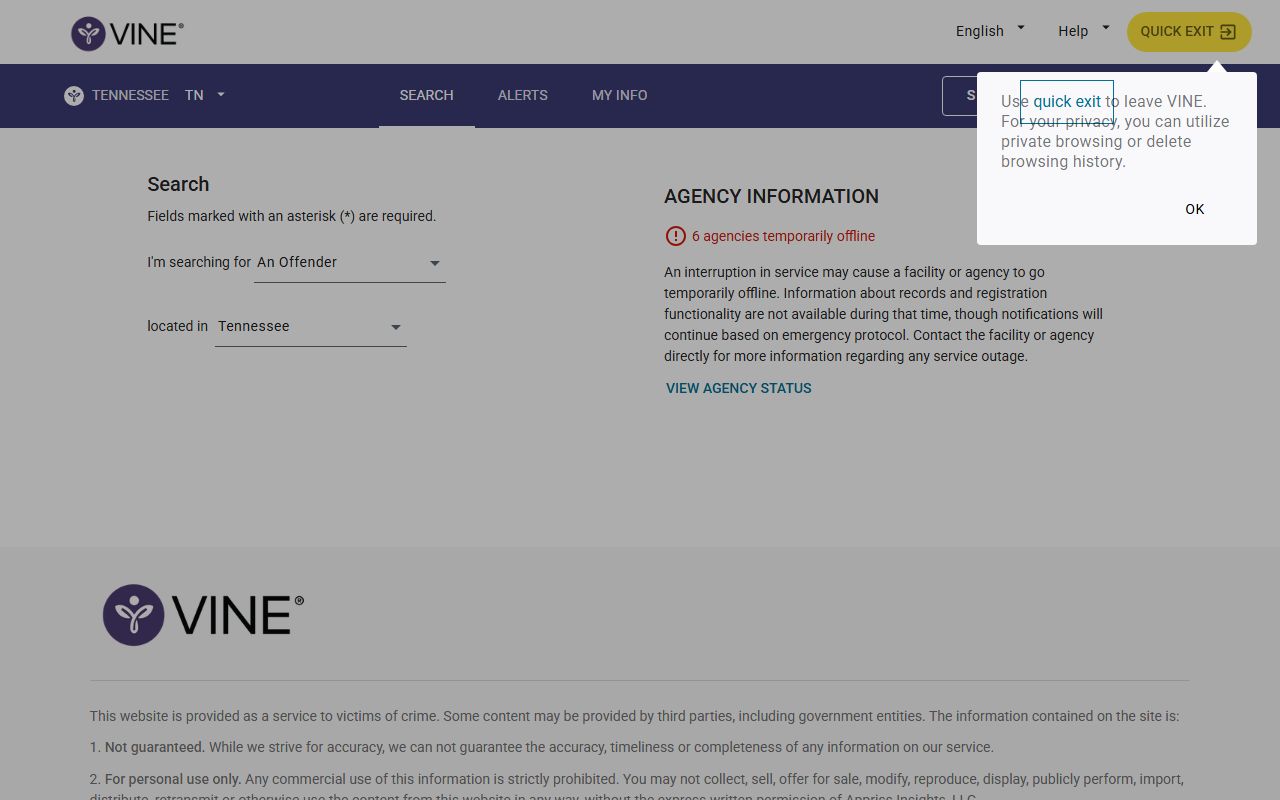
VINELink is the follow-up tool if you need Davidson County custody changes or release alerts after the arrest phase.
Davidson County State Record Checklist
When the local trail stalls, these Davidson County record types help you keep the booking, custody, and court paths separate.
- Booking photo, mugshot, inmate record, arrest record, custody record, detention record, jail record, booking log, release status, case file
- Jail file, records file, booking file, arrest file, custody file, detention file, inmate file, court file, status file, report file
- TBI history, criminal history, arrest history, custody history, detention history, booking history, mugshot check, inmate check, record check, file check
- VINELink alert, custody alert, release alert, inmate alert, detention alert, booking alert, arrest alert, mugshot alert, jail alert, status alert
- Open Records Counsel, records help, request help, booking request, mugshot request, inmate request, arrest request, custody request, detention request, jail request
- Public records, police records, jail records, court records, booking records, mugshot records, inmate records, arrest records, custody records, detention records
- Local records, state records, booking trail, arrest trail, custody trail, detention trail, inmate trail, mugshot trail
That checklist keeps the Davidson County local file, the state file, and the court file from getting mixed together. It also keeps the booking record, mugshot file, inmate record, arrest record, custody record, detention record, jail record, booking log, release note, status check, and custody note in view.
Davidson County State Records
State resources fill the gaps when the Davidson County trail is split or delayed. The Tennessee Bureau of Investigation at tbi.state.tn.us keeps the central criminal history repository for Tennessee.
The TBI is the right state source when you need to understand what will not show up. Juvenile records, sealed files, expunged files, and out-of-state matters do not appear in the same way as public records. Start local, then move up. Use Metro for arrest images, the sheriff for custody, the clerk for filings, and TBI or TDOC only when the Davidson County trail leaves a gap.
Davidson County Jail Mugshots Search Tips
Use the full legal name if you have it. Add the arrest date, the police district, or the case number if you know any of them. Small details save time. The same name can point to more than one file, and the better you narrow the request, the easier it is to find the booking photo or the court file that matches it in Davidson County.
Keep the office split in mind. Metro Nashville Police is the arrest photo source. The sheriff office is the custody source. The Criminal Court Clerk is the case source. When you use those three together, the Davidson County trail becomes much easier to trace. Use TBI and TDOC only when the local record leaves a gap.